

Automation
Email-to-Lead Automation
Automatically capture leads from emails with intelligent parsing and instant CRM updates.
- Plans from $150/user/year
- Cancel anytime
- 90%
- Time Saved
- 0
- Missed Leads
- 24/7
- Auto-Capture
Overview
What is Email-to-Lead Automation in SalesTub?
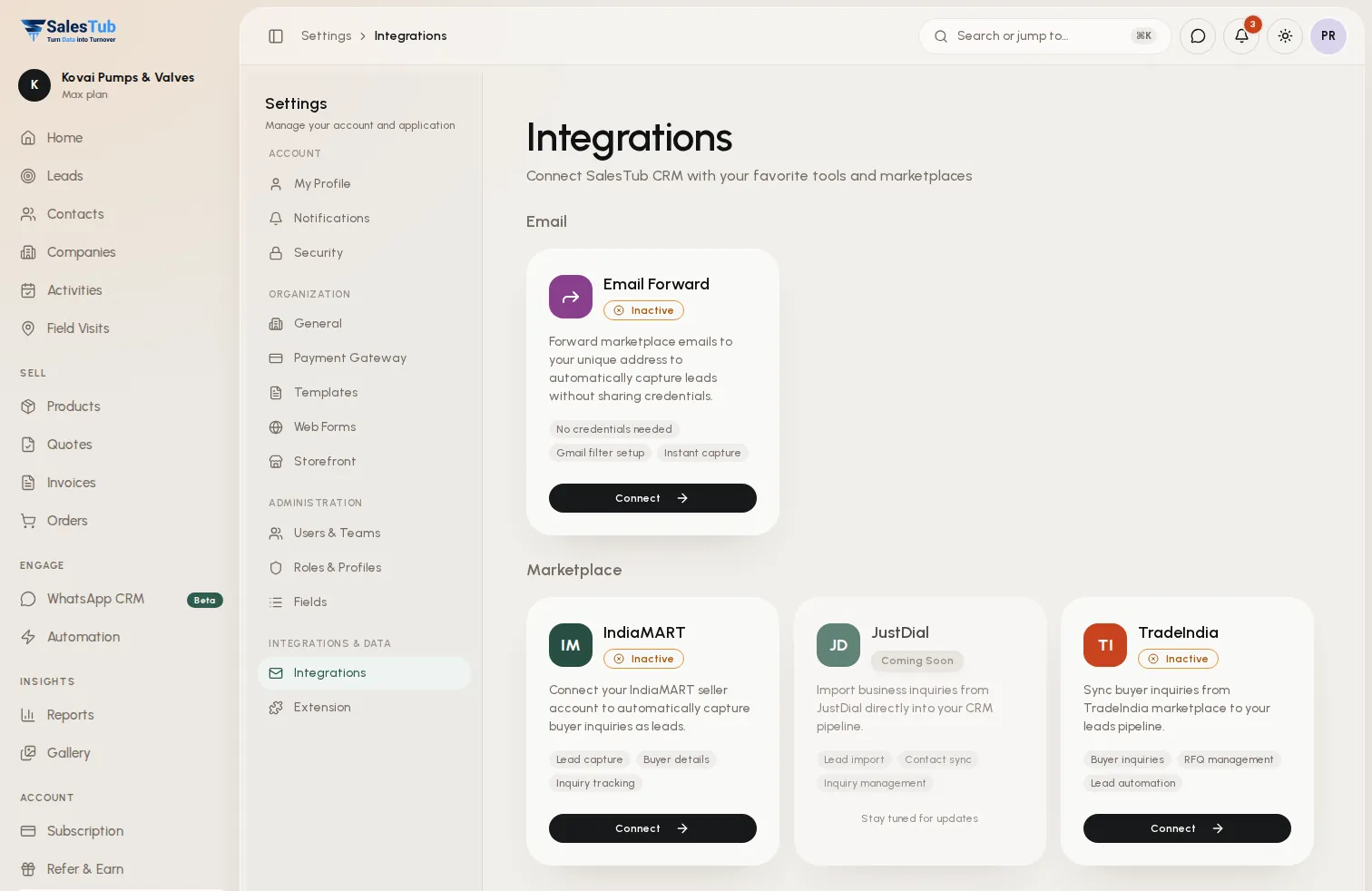
Connect your email inbox and watch leads flow into your CRM automatically. Our intelligent email parser extracts buyer names, contact details, company information, and requirements from incoming emails—including inquiries from IndiaMART, TradeIndia, and direct buyer emails. No more manual copy-pasting. No more missed leads.
- One-click Gmail and Outlook integration with OAuth security
- Automatic lead creation from incoming inquiry emails
- Smart data extraction for names, emails, phones, and companies
- Built-in support for IndiaMART and TradeIndia email formats
- Custom parsing rules for your unique email sources
- Duplicate prevention with intelligent matching
- Real-time notifications when new leads are captured
- Complete email thread logging on lead records
- Automatic source attribution for marketing analytics
How it works
Up and running in 3 steps
- 1
Connect Your Email
Link your Gmail or Outlook account with one click. We use secure OAuth—your password is never stored or shared.
- 2
Define Your Sources
Choose which emails to parse: IndiaMART, TradeIndia, specific senders, or all incoming mail. Customize what data to extract.
- 3
Watch Leads Appear
New leads are created automatically as emails arrive. Get notifications, assign to reps, and start selling immediately.
Use cases
Built for how you sell
Whether you sell to businesses or consumers, at a counter or in the field, SalesTub adapts to your process — not the other way round.
IndiaMART Sellers
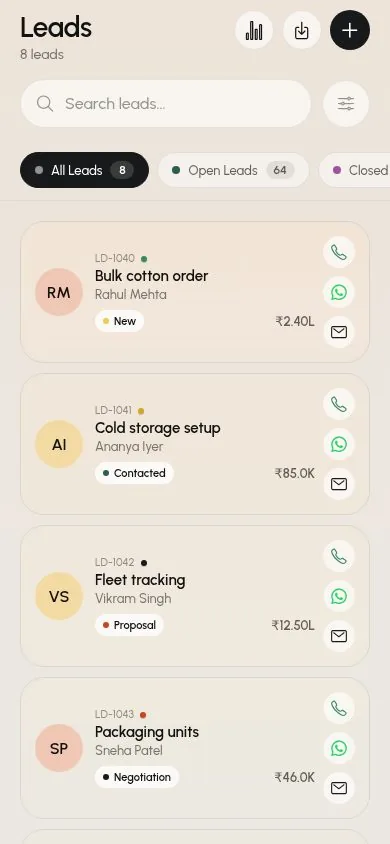
Automatically capture buyer leads from IndiaMART inquiry emails. Extract buyer name, phone, email, location, and product requirements without any manual work.
B2B Manufacturers
Process dozens of daily inquiry emails automatically. Let sales reps focus on selling instead of data entry while every lead is captured and tracked.
Export Companies
Capture international buyer inquiries from trade portals and direct emails. Automatically route to the right sales rep based on country or product.
Service Providers
Turn website contact form emails into qualified leads instantly. Capture project requirements and route to the appropriate team member.
For the whole team
One tool, every role
Business owners
See exactly where revenue comes from, which channels convert and what will close this month.
Sales managers
Assign leads instantly, watch team activity live and make sure no follow-up is ever missed.
Sales reps
Less data entry, more selling — every lead, call and message in one place, on web and mobile.
Works with
Connected to the tools you already use
- Gmail
- Google Workspace
- IndiaMART
- TradeIndia
- JustDial
- IndiaBizz
- ExportersIndia
- Custom Sources
FAQ
Email-to-Lead Automation: questions
Which email providers are supported?
We currently support Gmail and Google Workspace accounts with Outlook support coming soon. The integration uses secure OAuth authentication—we never see or store your password.
Can it parse IndiaMART and TradeIndia emails?
Yes! We have built-in parsing rules specifically designed for IndiaMART and TradeIndia inquiry email formats. Buyer name, email, phone, location, and product requirements are extracted automatically.
What if my email format is different?
You can create custom parsing rules for any email format. Define which fields to extract and where they appear in the email. Our support team can help set up complex parsing rules.
Will duplicate leads be created?
No. Before creating a lead, we check for existing contacts with the same email or phone number. If a match is found, the email is logged to the existing record instead of creating a duplicate.
Is my email data secure?
Absolutely. We only access emails matching your parsing rules. All data is encrypted in transit and at rest. We follow SOC 2-aligned security practices and you can revoke access anytime from your Google account settings.
Can I choose which emails become leads?
Yes. You can filter by sender address, subject line keywords, or email labels. Only emails matching your criteria are processed—everything else is ignored.
Explore more of SalesTub
All featuresContact Management
Organize and manage all your customer relationships in one central hub with powerful search and filtering.
Lead Management
Capture, qualify, and convert leads faster with automated lead scoring and intelligent routing.
WhatsApp CRM
A shared WhatsApp inbox linked to every lead, with approved templates, broadcast campaigns and a chatbot.
Put Email-to-Lead Automation to work today.
Get started in minutes. Cancel anytime. No long-term contracts.
- Setup in 5 minutes
- No long-term contracts
- Cancel anytime
Or take SalesTub with you