

organization
Team Management
Manage your sales team with role-based access, territories, and performance tracking.
- Plans from $150/user/year
- Cancel anytime
- Unlimited
- Teams
- Flexible
- Hierarchies
- Clear
- Accountability
Overview
What is Team Management in SalesTub?
Scale your sales organization with powerful team management. Define teams and hierarchies that mirror your org structure. Assign territories and accounts to the right reps. Set individual and team goals. Track performance with leaderboards. Control access so everyone sees only what they need—from the new hire to the VP of Sales.
- Team hierarchies that match your org structure
- Territory assignment by geography or segment
- Role-based access control for data security
- Individual and team goal setting
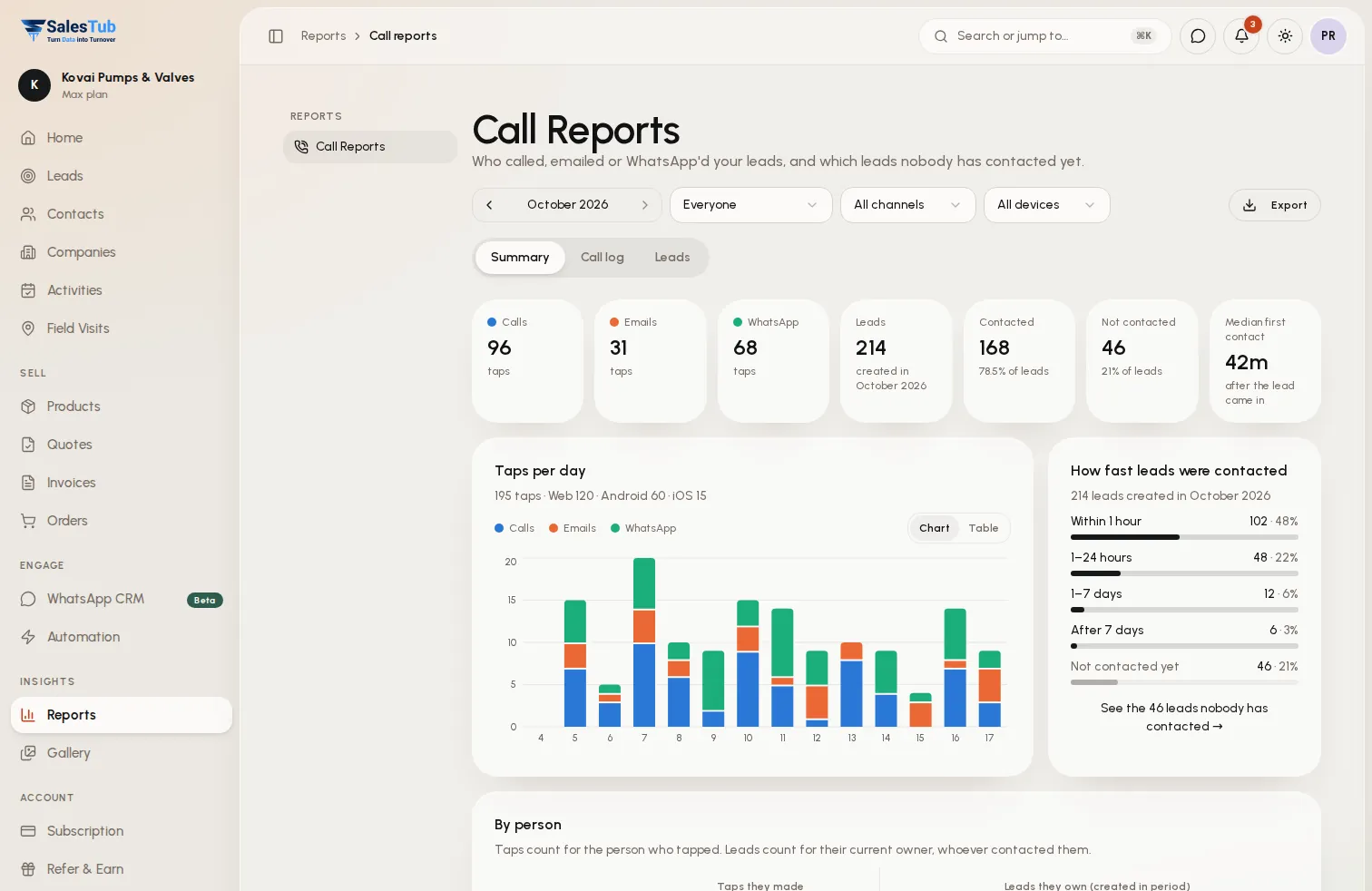
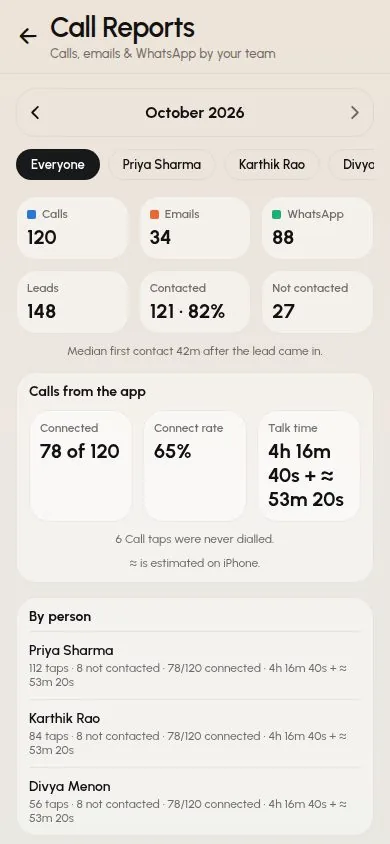
- Performance dashboards and leaderboards
- Activity monitoring and productivity metrics
- Automatic lead and deal assignment rules
- Manager visibility into team activities
- Easy onboarding and offboarding workflows
How it works
Up and running in 3 steps
- 1
Create Teams
Define teams that match your organization. Create hierarchies with managers, team leads, and team members. Assign roles and permissions.
- 2
Assign Territories
Define territories by any criteria—geography, industry, account size, or custom segments. Assign reps to territories for clear ownership.
- 3
Track Performance
Set quotas and goals. Monitor progress with dashboards. Recognize top performers with leaderboards. Coach underperformers with activity insights.
Use cases
Built for how you sell
Whether you sell to businesses or consumers, at a counter or in the field, SalesTub adapts to your process — not the other way round.
Regional Sales Organizations
Assign territories by state, region, or country. Reps see only their territory. Managers see their entire region. Leadership sees everything.
Industry-Based Teams
Organize teams by vertical—Healthcare, Finance, Retail. Each team specializes in their market with tailored pipelines and processes.
Inside vs Field Sales
Separate teams for inside sales and field reps. Different processes, different goals, different dashboards—all in one system.
Growing Startups
Start with a flat structure and evolve. Add managers, teams, and territories as you scale. The system grows with your organization.
For the whole team
One tool, every role
Business owners
See exactly where revenue comes from, which channels convert and what will close this month.
Sales managers
Assign leads instantly, watch team activity live and make sure no follow-up is ever missed.
Sales reps
Less data entry, more selling — every lead, call and message in one place, on web and mobile.
Works with
Connected to the tools you already use
- SSO Providers
- HR Systems
- Active Directory
- Google Workspace
- Microsoft 365
- Slack
- Email Systems
- Calendar Sync
FAQ
Team Management: questions
How do I set up team hierarchies?
Create teams and assign managers. Nest teams under other teams for multi-level hierarchies. Managers automatically see data for their entire team tree.
What are territories?
Territories are logical groupings of accounts or prospects. Define territories by geography (North, South), industry, company size, or any custom criteria. Assign reps to territories.
Can managers see their team's activities?
Yes. Managers see all activities, deals, and contacts for their direct reports and their reports' teams. Activity feeds and dashboards show team performance.
How does goal tracking work?
Set revenue or activity goals at the individual, team, or company level. Goals can be monthly, quarterly, or annual. Track progress with visual progress bars and forecasting.
Can I automate lead assignment?
Yes. Create assignment rules based on territory, lead source, round-robin, or custom criteria. Leads are automatically assigned to the right rep when created.
What happens when someone leaves or joins?
Easily transfer ownership of accounts and deals when reps leave. New reps are onboarded with appropriate access and assignments in minutes.
Explore more of SalesTub
All featuresContact Management
Organize and manage all your customer relationships in one central hub with powerful search and filtering.
Lead Management
Capture, qualify, and convert leads faster with automated lead scoring and intelligent routing.
WhatsApp CRM
A shared WhatsApp inbox linked to every lead, with approved templates, broadcast campaigns and a chatbot.
Put Team Management to work today.
Get started in minutes. Cancel anytime. No long-term contracts.
- Setup in 5 minutes
- No long-term contracts
- Cancel anytime
Or take SalesTub with you